
OsclassHub Support Desk
Private support tickets, conversations and attachments for your Osclass website
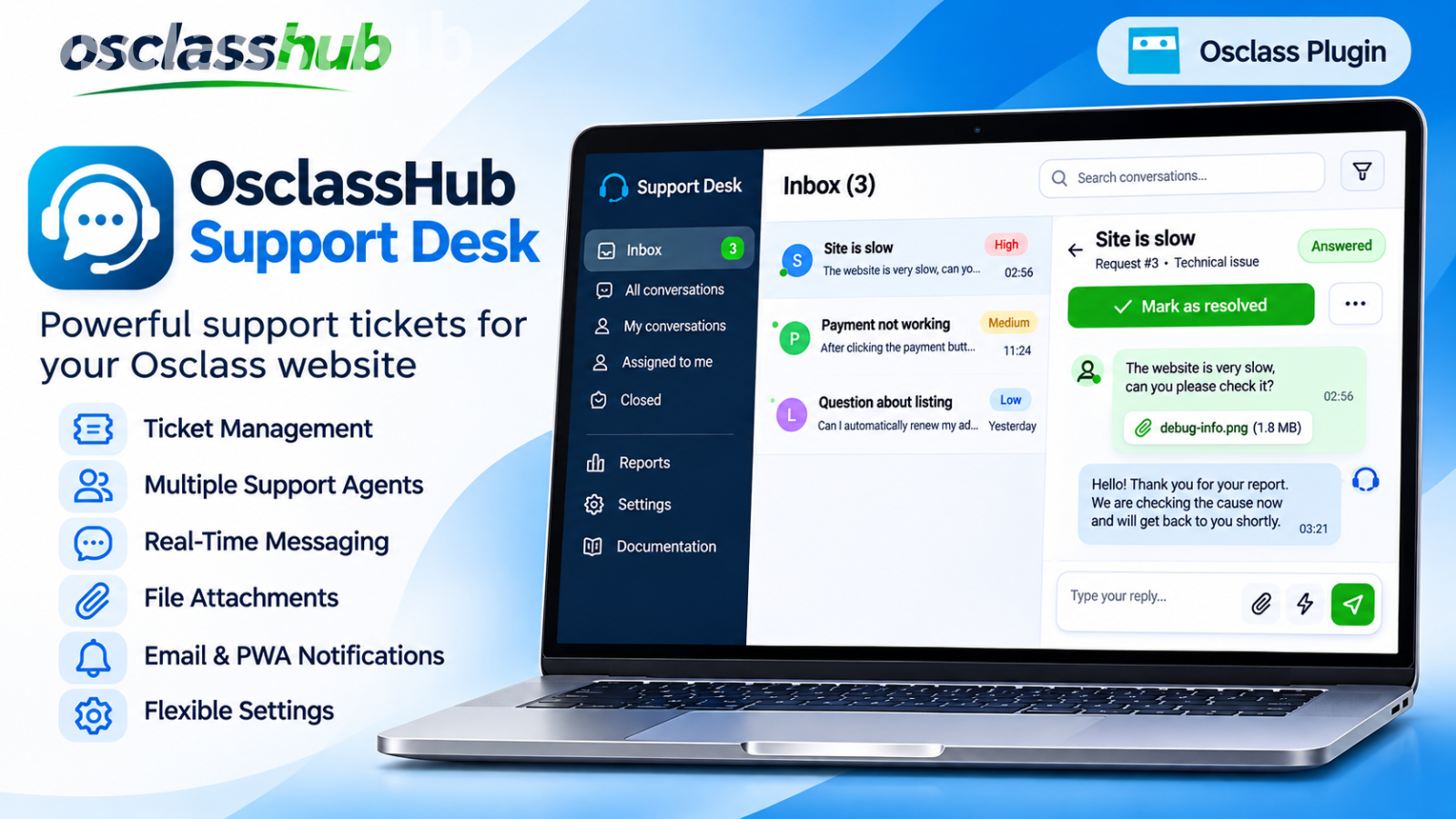
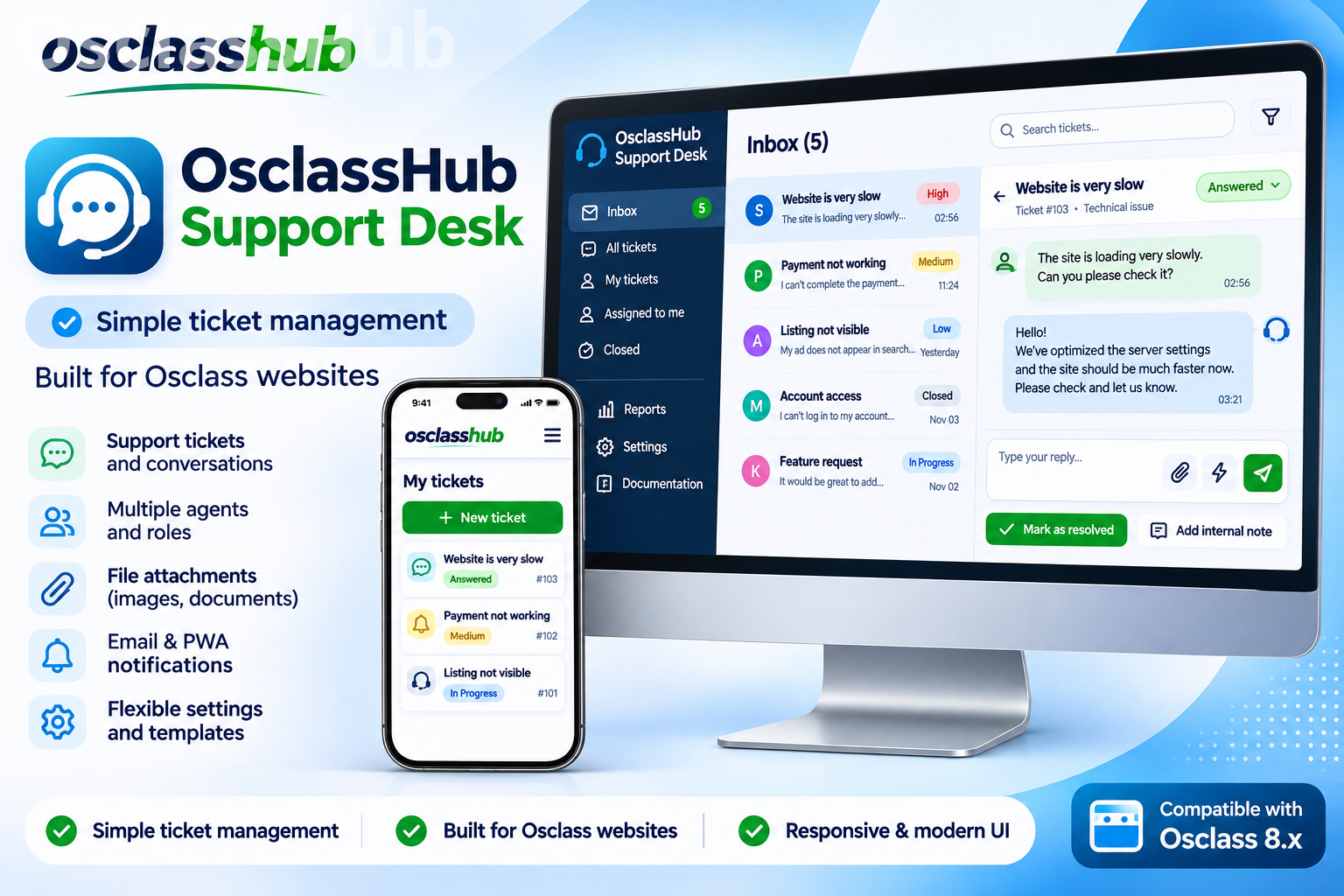
OsclassHub Support Desk brings customer support directly into your Osclass website. Manage private tickets, exchange messages, share attachments and keep internal notes in one place.
Customers get a clear history of their questions and your responses. Administrators get an organized inbox with search, filters, priorities and quick replies, making everyday support easier to manage.
A private support center for your users
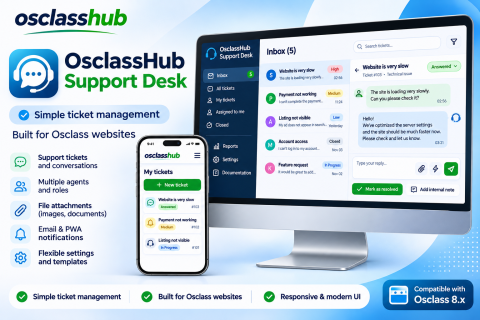
Registered users can create support requests, choose a category, explain their issue and attach an image or PDF.
Each request keeps its conversation history, so customers can return later, add details and follow the progress of their issue. They can also close resolved requests and reopen them when needed. Customer ticket closing can be enabled or disabled in the settings.
Available categories cover general questions, accounts and login, listings, payments, technical issues and other requests.
Convenient conversations
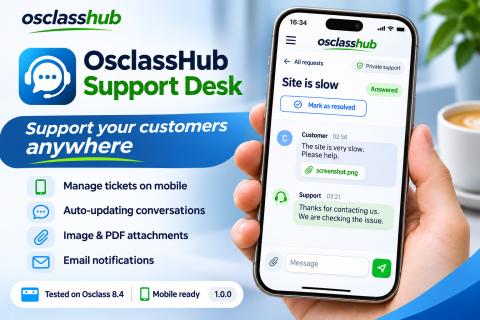
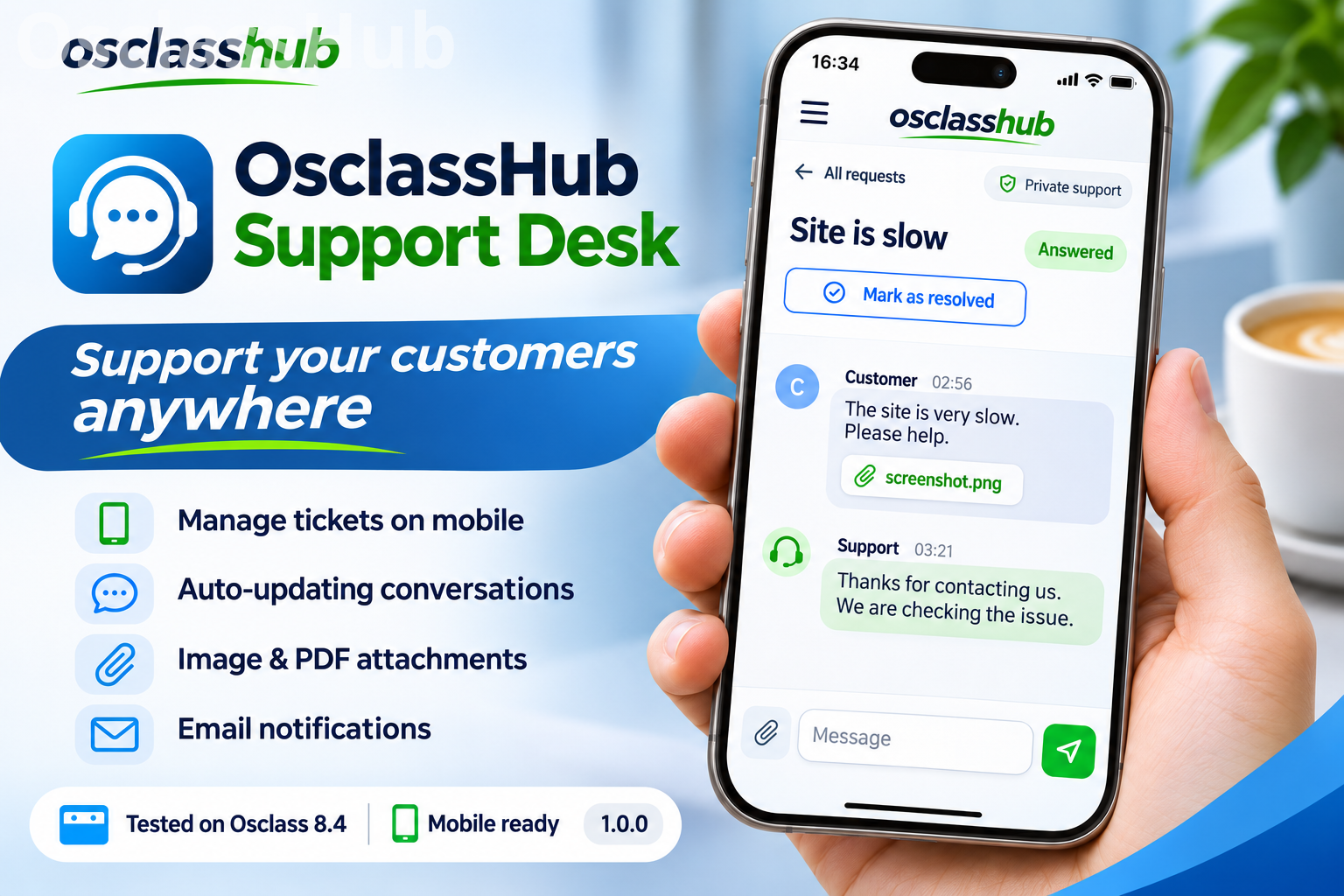
Replies are submitted without a full page reload, while automatic updates bring new messages into the open conversation.
The messaging interface includes:
-
Customer and support typing indicators.
-
Grouped messages and date separators.
-
A character counter and an automatically expanding message field.
-
Ctrl/Cmd + Enter to send.
-
Earlier-message loading for long conversations.
-
Draft text and attachment preservation when sending fails.
-
Connection status and a manual retry option.
Server-side duplicate protection helps prevent accidental repeated submissions. If a message was saved but the connection failed before confirmation reached the browser, retrying the same request with the same submission key returns the saved result without adding another message, attachment or notification email.
An organized administrator inbox
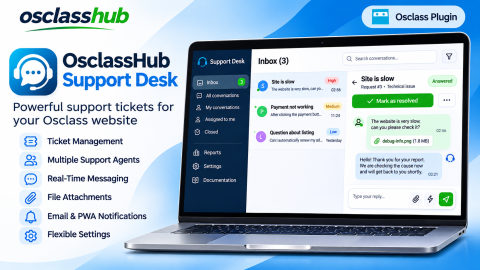
Find the requests that need attention and keep track of ongoing conversations.
Administrators can:
-
Search by ticket subject, customer name or email.
-
Filter tickets by status or unread activity.
-
View ticket counters and navigate through paginated results.
-
Set the status to Open, Pending, Answered or Closed.
-
Choose Low, Normal, High or Urgent priority.
-
Record the responsible team member.
-
View customer details, creation time and latest activity.
Customer priority selection is optional and can be enabled in the plugin settings.
Internal notes and quick replies
Private internal notes keep working information alongside the relevant conversation. Notes are visible to support staff and hidden from customers. Staff can switch between a customer reply and an internal note directly in the composer.
The plugin also includes three customizable quick-reply templates. Use them for common questions, acknowledgements or instructions to reduce repetitive typing and maintain a consistent tone.
The support team’s display name can be customized to match your website.
Independent unread tracking
Each administrator has an independent read state. When one staff member opens a ticket, it remains unread for another staff member until they view it.
A counter in the Osclass admin toolbar highlights tickets with unread customer activity and provides quick access to the support inbox.
Images, PDFs and private attachments
Customers and administrators can attach JPG, PNG, WebP and PDF files. Uploads can be enabled or disabled, and the maximum attachment size is configurable.
Images receive lightweight thumbnails. Clicking a thumbnail opens the original in a built-in viewer with a separate download option. The image viewer also works above the mobile full-screen conversation.
Attachments are stored in a private directory outside the public website folder. Access to originals and thumbnails is checked against the user’s permission to view the ticket.
Responsive design and full-screen chat
Both the customer interface and the administration panel adapt to desktop, tablet and mobile screens.
On smaller screens, users and administrators can expand the conversation into a full-screen chat. The reply field stays close to the conversation, photos open in an overlay, and drafts are preserved when switching between regular and full-screen views.
The plugin has been tested with Sigma, Starter, Delta and Omega Admin.
Email notifications
Notification settings can be configured separately for:
-
New tickets and customer replies sent to the administrator’s contact email.
-
Support replies sent to the customer.
Emails include a link to the relevant conversation. Delivery uses the Osclass mail configuration, including your configured SMTP server.
Optional customer draft preview
Administrators can optionally enable a live preview of text a customer is typing in an open ticket.
Customers are informed about this feature beside the reply field. The temporary preview is available to support staff and applies to the customer’s reply text.
Draft preview is disabled by default.
Integration with your Osclass website
A support link is added to account menus in themes that use the standard Osclass user-menu hook. You can also place a link to the support page in your website’s navigation.
Administrators can access Support Desk through the Plugins menu, the top toolbar and its integration with OsclassHub Market.
The package includes English and Russian interfaces, translation files and built-in installation documentation.
Security and data ownership
Ticket ownership is checked when customers access conversations and attachments. The plugin uses Osclass CSRF protection and safely displays message text.
Attachment handling includes content-type checks, configurable size limits and unpredictable storage filenames. Basic submission-rate limits help reduce repeated ticket creation and rapid customer replies.
Conversations are stored in your website’s database. The plugin uses dedicated tables and installs without editing Osclass core files.
Tested configuration
Osclass 8.0 - 8.4 · PHP 7.4 - 8.4 · MariaDB 11.4.13
Required PHP extensions include mysqli, mbstring and fileinfo. Thumbnail generation requires GD with JPG/PNG/WebP support or Imagick. Attachments require a writable private directory.
OsclassHub Support Desk gives classifieds website owners a structured way to help their users, with a complete conversation history, clear ticket statuses, private attachments and practical tools for daily support.
No reviews found!

No comments found for this product. Be the first to comment!